Back to screens: a digital signage platform
I have been an IoT engineer since 2016 and never an embedded one. ScreenOps is a digital signage platform a few months old, with firmware I write myself.
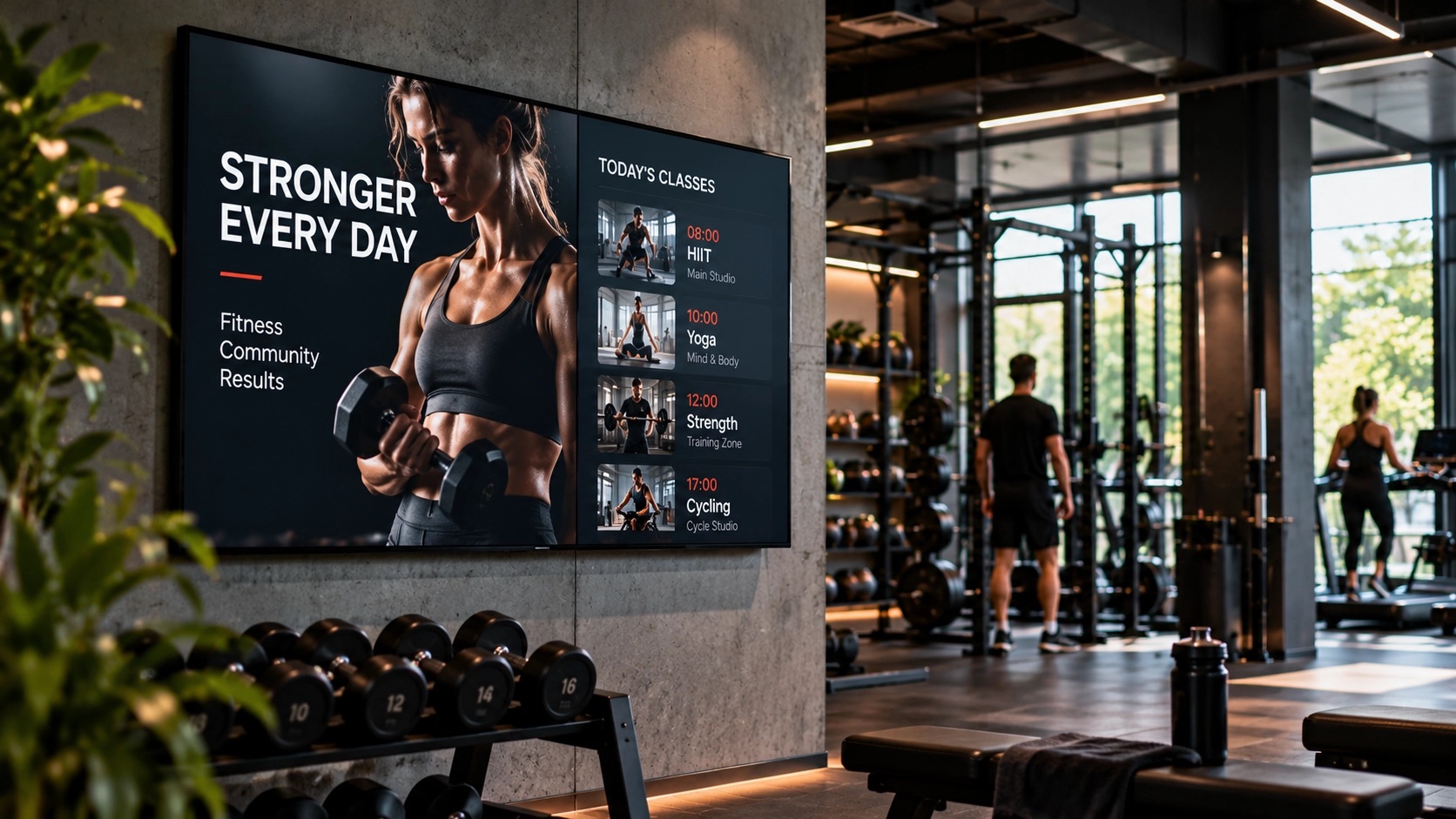
Anyone who publishes four series about secure boot ends up with a public face that is slightly wrong. Mine makes me look like an embedded engineer. I am not one, and I am not sure I ever want to be.
If you asked me today, I would say I have been an IoT engineer since 2016 — full-stack IoT, if I am allowed the joke. The device and the gateway at one end, the operations and the security that keep them honest, and stream processing and backend services at the other. Hardware is one end of that, and I only stepped properly back into it about three years ago. It is a part of the work rather than the whole of it. It just happens to produce the best stories, which is why it dominates this site.
The thing I am quieter about is screens.
I studied multimedia. The degree says multimedia engineer, and for a while it meant exactly what it sounds like: codecs, colour, frame rates, and panels. That affection never really went anywhere — it simply had very little to do with my work for a long time.
This is the first time in years that the two have met. ScreenOps is a digital signage platform. It is a few months old, it is not finished, and it has recently become properly alive: screen-ops.com.
Signage fails in a very quiet way
Someone installs a mini PC behind a panel, points it at a web page, and it works. Then the network drops. Or Windows decides to update at three in the afternoon. Or a lobby full of visitors spends a morning looking at a desktop wallpaper and a dialog box.
The industry's answer to this has been to add more remote-management features on top of a general-purpose computer. Mine was to stop using one.
A player that boots into a desktop is a computer with a screen attached. Sooner or later it will show you the desktop.
The player runs purpose-built firmware. It boots straight into content — no launcher, no desktop underneath, nothing a person or a process can accidentally exit into.
It updates across two slots, A and B, and rolls back by itself. A bad image cannot brick a screen: if the new slot does not come up healthy, the device returns to the one that worked. In a fleet you cannot physically reach, that is the single property I would keep if I had to throw away all the others.
And it is offline-first, which is a design decision rather than a feature. The backend declares desired state; the player owns actual playback. The screen already knows what it is supposed to be showing, so when the connection goes away, nothing visible happens. No blanking, no error page in front of a customer.
The instructions it accepts are Ed25519-signed manifests, and it refuses anything unsigned. Reaching the network is not the same as reaching the screens.
Refusing to guess
The part I am most pleased with is not a feature. It is that several decisions got reversed by measurement.
I had planned to target HEVC. It is the newer codec, so it ought to be the cheaper one. Then I costed both at 4K on the actual board: H.264 ran at about 53% of four cores at 64–69 °C, HEVC at 62%. Nine percent more CPU for the privilege of being modern. So the player targets H.264, and a planned feature went in the bin.
That number changed the product. I would not have found it in a spec sheet, and I had already formed the opposite opinion.
The same refusal applies to what the thing claims to play. H.264 at 720p and 4K, HEVC at 4K, PNG, JPEG, WebP and SVG, portrait and landscape — all confirmed running on the real hardware, first frames landing in 4–28 ms, no stalls. That is a test matrix, not a marketing table. I would rather publish a shorter list that is true.
SVG got treated as its own problem. Most signage products handle an SVG as an image. It is not one — it is a document that can carry script. It gets sanitised at ingest and served with headers that keep it inert.
A screen goes up without a laptop
Commissioning is where signage projects quietly become consulting projects.
The device raises its own WiFi access point. You join it from a phone, choose the network, and type an eight-character claim code. That is the entire process. No laptop, no keyboard, no site visit from someone technical.
Once it is up, the panel itself is under control: power over HDMI-CEC, verified against real televisions rather than assumed from the specification, tied to opening hours. A shop is not lit all night because switching the screen off needed a person with a remote and a ladder.
There are playlists with proper cross-fades, and per-item exceptions where an asset should hard-cut instead. And live web pages can be playlist items, rendered full-panel for dashboards, menus and departure boards — the system can photograph those, so you can see what the screen actually saw.
Proof, and one honest caveat
If you sell advertising space, or you have to justify a signage budget to somebody internally, "it's working, trust me" is not an answer. Most platforms quietly cannot do better, because play records sit in RAM until they are uploaded and an unplanned reboot takes them along.
So the records are append-only, written to a durable on-device buffer that survives power loss, and cleared only once the backend acknowledges it has them. The reports answer the question an advertiser actually asks — how many times, on which screen, in which week — and they surface plays the system does not recognise, content that ran but should not have. Reporting you cannot audit is marketing, not evidence.
Here is the caveat, and I would rather write it than have it found. This path is wired, tested and durable, but I have not yet proven it end to end on hardware. The flush landed on 28 October. Until I have watched a real device lose power mid-schedule and reconcile cleanly afterwards, it is my strongest claim and my least demonstrated one, and those two things together are exactly how people end up believing their own feature list.
The virtual player was an accident
While building the firmware I needed to watch playback without hardware on the desk, so I wrote a virtual player — the same playback engine as a desktop application on Windows, macOS or Linux.
It was pure development convenience. Then it turned out to be a product: it is how you run a pilot without shipping anything, how a venue adds one screen on a machine it already owns, and how somebody evaluates the platform on a Tuesday afternoon instead of waiting for a box.
That is twice now I have built something to make my own development bearable and found a feature inside it.
Several panels, one picture
The virtual player earned its keep on the piece of this I am most proud of: video walls.
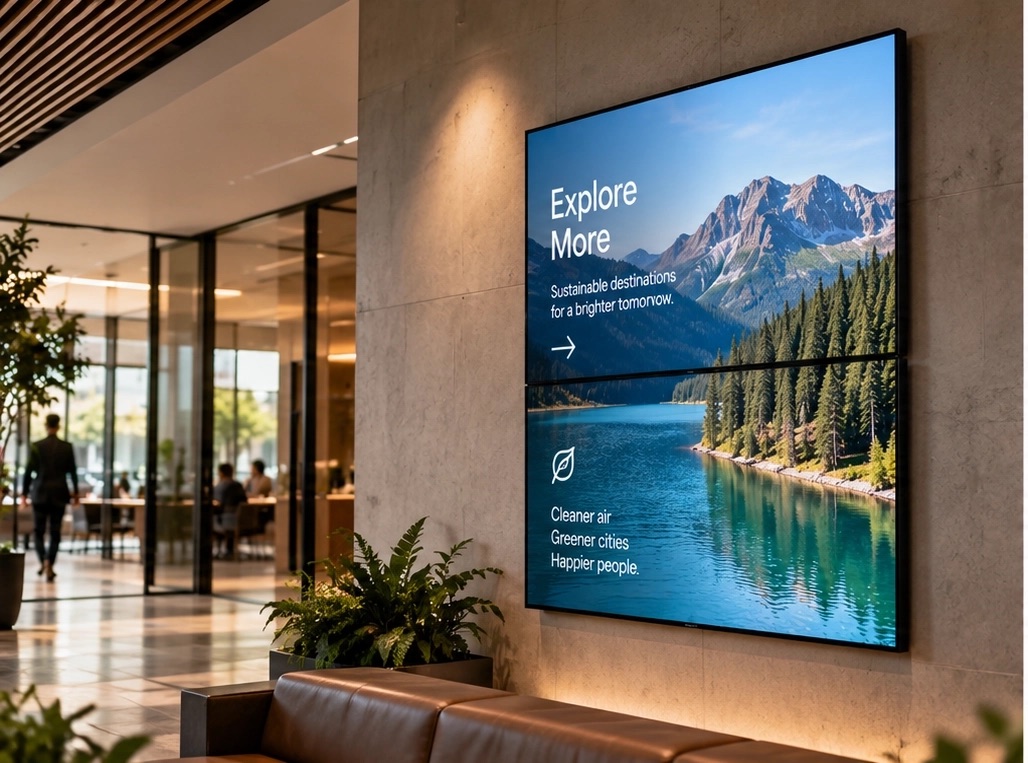
Several physical screens, addressed as one canvas, with the authoring size stated up front so a designer is not guessing at the geometry. A wall of four or six panels is one screen with one schedule, rather than four separate scheduling problems that have to be kept in step by hand.
That is also the feature that is most painful to develop against, because testing it properly means owning the wall. I built most of it against virtual players tiled on a desk, which is exactly the kind of thing the accident turned out to be good for.
The site
screen-ops.com is deliberately short. It says what the thing is — digital signage, run properly — and shows the three steps to get a screen on the air: plug the player in, type the code it shows you, publish.
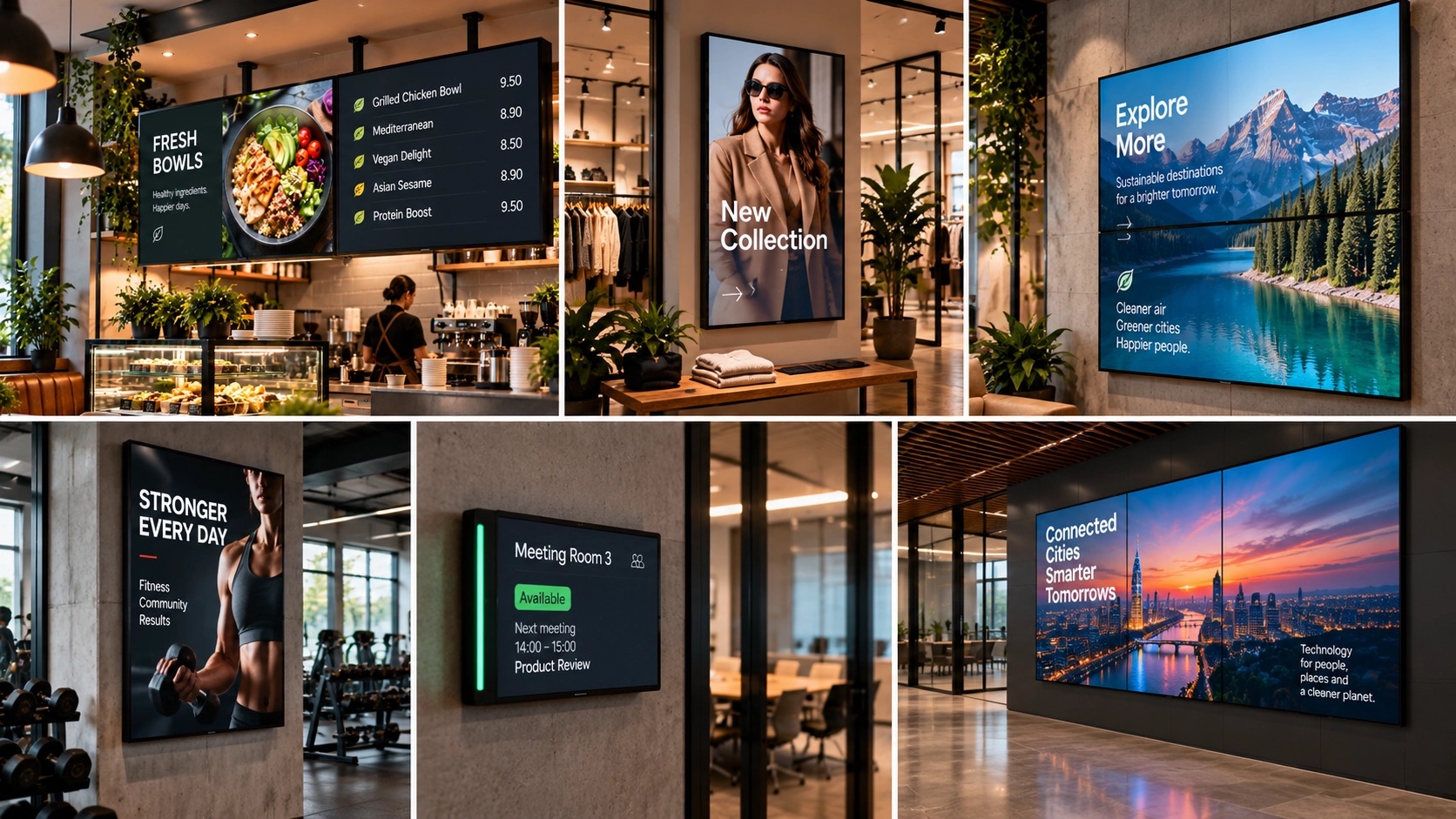
The rest of it is photographs of screens where these go: a gym, a café counter, a reception, a shop window, a meeting-room door. That is the honest brief. None of those rooms care about partition layouts or codec profiles.
They care that the screen is right. I have just come to think you only get the second one by taking the first one seriously.